Build governance that documents itself — every action logged, every approval tracked, every record defensible. Stop scrambling before audits and start running systems that satisfy compliance by design.
Proactively reduce risk and foster compliance culture using OnBoard’s intuitive features.
Maintain Private Communications
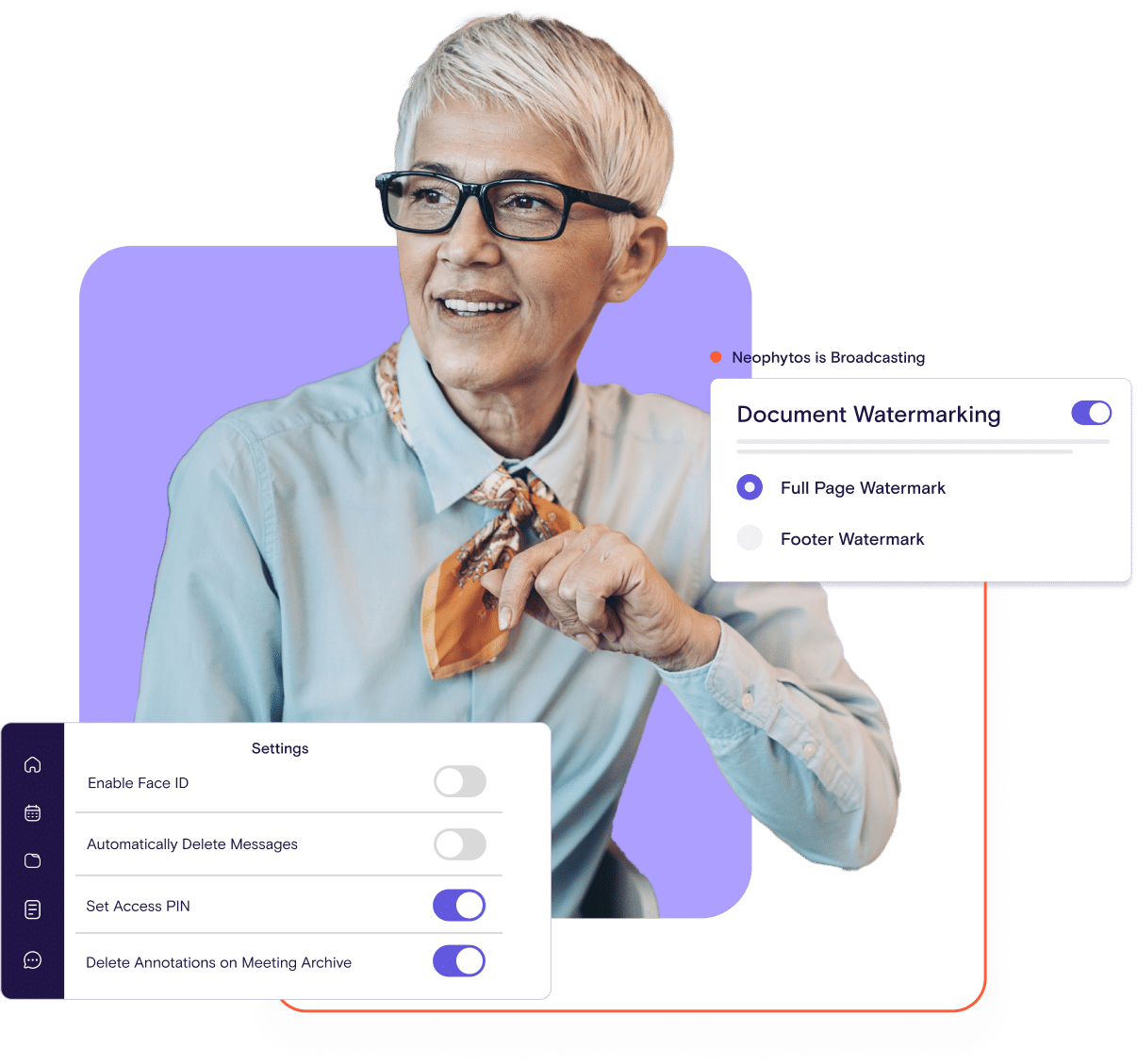
OnBoard maintains private communications and reduces legal exposure.
Control Access & Limit Liability
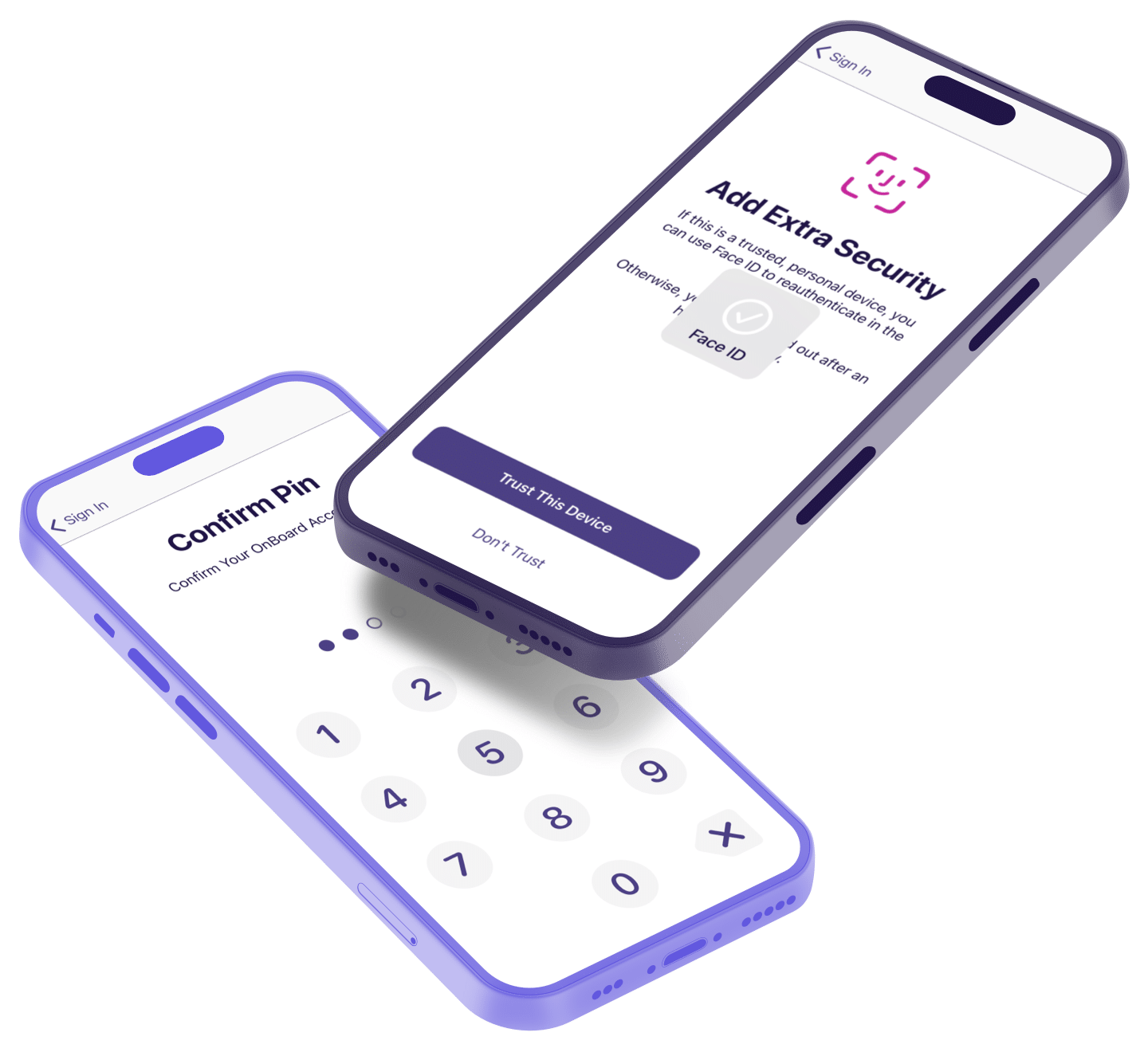
Easily control access to sensitive data and prevent breaches.
Compliance Without Compromise
Create a culture where duties of care and loyalty are quantified, documented, and proactively reduce risk.
Page 147 of 214
Check the Proposal Against the Policy It Has to Follow
Flag a policy conflict before it reaches the room, with AI Assist reading the proposal and the governing policy together and citing both pages.
Q3 Board Book · Oct 1 board meeting · 214 pagesFound on 2 pages
p. 12
p. 147
Does anything in this book conflict with the CEO bonus proposal?
Completed · 3 steps
Yes. The executive compensation policy caps annual bonuses at 150%² of base salary. The committee’s recommendation is 180%.
① Compensation Committee Memo · p. 8
② Appendix B · Executive Compensation Policy §3.2 · p. 164
Contain Risk Before It Becomes Liability
Every manual process is a gap waiting to be discovered. Documents scattered across systems. Access permissions that were never revoked. Retention policies that exist on paper but not in practice. Replace the anxiety of "did we do this right?" with systems that prove you did — automatically, consistently, and without wondering.
Answer "When Did We Approve This?" in Seconds, Not Hours
When the board asks about a prior decision, you need the answer immediately — not after an hour of searching through email threads and shared drives. Retrieve any approval, vote, or policy in seconds with a searchable system of record that makes historical context instantly accessible.
Manual Processes Create Invisible Risks
The risks you can't see are the ones that become liabilities. Documents that should have been retained — deleted. Access that should have been revoked — still active. Policies that should be enforced — existing only on paper. Build governance that closes gaps automatically instead of hoping manual processes caught everything.
Compliance That Gets Stronger Over Time
Compliance requirements evolve — your vendor should too. Partner with a platform that continuously invests in security certifications, regulatory updates, and new compliance capabilities so your posture strengthens as the world changes. Stop chasing compliance and let ongoing updates deliver it automatically.
Be the Face of Effective Compliance
Governance credibility comes from systems that work. Track requirements, manage roles, capture approvals, and maintain documentation — so compliance is built into how your board operates, not layered on top.
Manage Roles & Terms in One Place
Track director terms, committee assignments, and role changes with automatic reminders before expirations.
Collect and manage director and officer questionnaires digitally with built-in tracking and reminders. No more chasing responses or wondering who's completed what.
How does this change how we manage minutes and the review process?
Minutes, motions, and attendance live in one workspace instead of scattered Word files and email threads. You capture decisions against the agenda, route minutes for review in the portal, and keep one approved version as the record. If you choose to use Minutes AI, it creates a draft based on the meeting so reviewers react to a starting point instead of a blank page.
What control do we have over AI-generated minutes and summaries?
AI is assistive, not authoritative. It can draft minutes or summaries, but nothing becomes part of the official record until a human reviewer approves it. You can edit, redline, or discard AI output, set who is allowed to use it, and turn AI off entirely if needed for certain boards or meetings. That keeps legal firmly in control of the final language.
How does the system support legal record-keeping and audit readiness?
Each meeting has a complete package: agenda, materials, attendance, motions, votes, and approved minutes. Once finalized, those records are stored in a central archive. You can apply retention policies and export materials for audits, regulatory reviews, or discovery without reconstructing the story from multiple systems.
How does this reduce risk compared to email and shared drives?
Board packets, drafts, and minutes move out of personal inboxes and shared folders into a governed system with permissions, encryption, and audit trails. Access is based on role, not distribution lists, and you can see who has viewed or changed what. That lowers the chance of mis-sent files, uncontrolled copies, or gaps when you need to reconstruct what was shared and when.
How do we justify the cost?
Most C-level buyers weigh the license against staff hours spent on manual prep, version chasing, and follow-up. When you factor in wages, printing, and the risk of errors or delays, the software usually replaces a patchwork of tools and frees time for more strategic work.
How does dynamic watermarking work on board materials?
Dynamic watermarking lets you add user-specific or meeting-specific markings to sensitive documents. Watermarks appear on pages when materials are viewed, downloaded, or printed, so it’s clear the files are confidential and who they were prepared for. You control when watermarking is turned on and what it displays.
Interactive Vendor Comparison Worksheet
An interactive vendor comparison worksheet to have on-hand when considering board management software for the first time or looking to replace an old and expensive provider
The product is easy to use and intuitive. My board members of various ages were all able to use it with no or minimal training. They are able to navigate and locate information easily. Board members who need to sign documents frequently have no difficulty using the electronic signature feature within OnBoard. Making last minute revisions to agendas and packets is fast and causes no delay in meetings. Overall, OnBoard saves time and gives all attendees the same experience with easy access.
OnBoard's Pro's are it's easy to learn both from an Admin and end user! Security measures of OnBoard! Great support team truly makes this tool excel above others! We are extremely happy with our decision to use OnBoard! We've been very pleased with our CSMs. Recently we rolled out OnBoard to 2 boards and the rep conducted 3 training sessions for our board members with very short notice.