Arrive at Every Board Meeting with the
Full Picture
Ask the sharp question in every meeting, with answers drawn from your board's full context: board books, Resources, published minutes, and years of meeting history, searched together. Semantic search reads for meaning, so AI Assist finds the discussion you have in mind even when the minutes used different words. Every answer stays within the permissions you already have and cites its source, so you can open the original and check it yourself.
Skip the Sunday prep marathon by asking Assist what matters in any meeting, on any device. Open the book on your phone, ask what matters, and show up ready for the calls that need your judgment.
Cited Answers, Grounded in Your Actual Board Record
Govern with confidence by reading answers that cite their sources and respect every permission rule in your portal. Tap any citation to open the source. If a citation sits outside your access, Assist says so and stops.
If You Can Ask a Question, You Can Use AI Assist
Get to the right answer faster by tapping a question AI Assist suggests from your board's actual history. The prompts shift as the board's work shifts, so even a first-time director knows where to start.
Privacy By Design
Keep content off public chatbots and out of external training sets with AI built for board work. Show stakeholders evidence — not promises — with ISO 27001/27701 certifications and SOC 2–audited controls. Reduce risk and shorten reviews with third-party audits that validate how data is protected end to end. Provide reports, answer diligence, and move forward faster.
Frequently Asked Questions
What information can AI Assist access, and how much board history can it use?
Al Assist can answer questions using the meeting and board book materials available to the user based on their existing OnBoard permissions. The core AI Assist experience currently includes up to two years of meeting history. AI Assist Pro expands the content it can draw from, including Resources and Minutes, and supports a longer historical lookback. OnBoard is also developing controls that will give organizations more flexibility over how much history AI Assist uses.
How does AI Assist protect sensitive board information?
AI Assist works within the permissions and security controls already established in OnBoard. It only surfaces information a user is authorized to access, and board content is not used to train AI models. Each organization’s environment is isolated from other OnBoard customers, and administrators can turn AI Assist off through their settings if needed. Specific user searches are also kept within that user’s experience.
What happens if AI does not have enough information to answer a question, or someone asks it how to vote?
Human judgment stays with the people around the board. If someone asks AI Assist how they should vote, it will decline and can help surface relevant information from the governance record instead. When the available record does not contain enough information to support an answer, AI Assist is designed to say so. Users can always return to the underlying source material to verify the context behind an answer. If a user asks for information they do not have permission to access, Al Assist will not surface that content.
Do we need to reformat or clean up our documents before using AI Assist?
No special formatting is required. If a file type can be added to OnBoard, including commonly used formats such as Word documents and PDFs, AI Assist can work with eligible content available to it. Consistent file organization and naming can be helpful for governance teams, though it is not a prerequisite for using AI Assist. Once your meetings and materials are in OnBoard, there is very little additional setup required to get started.
Get Your Governance Policy
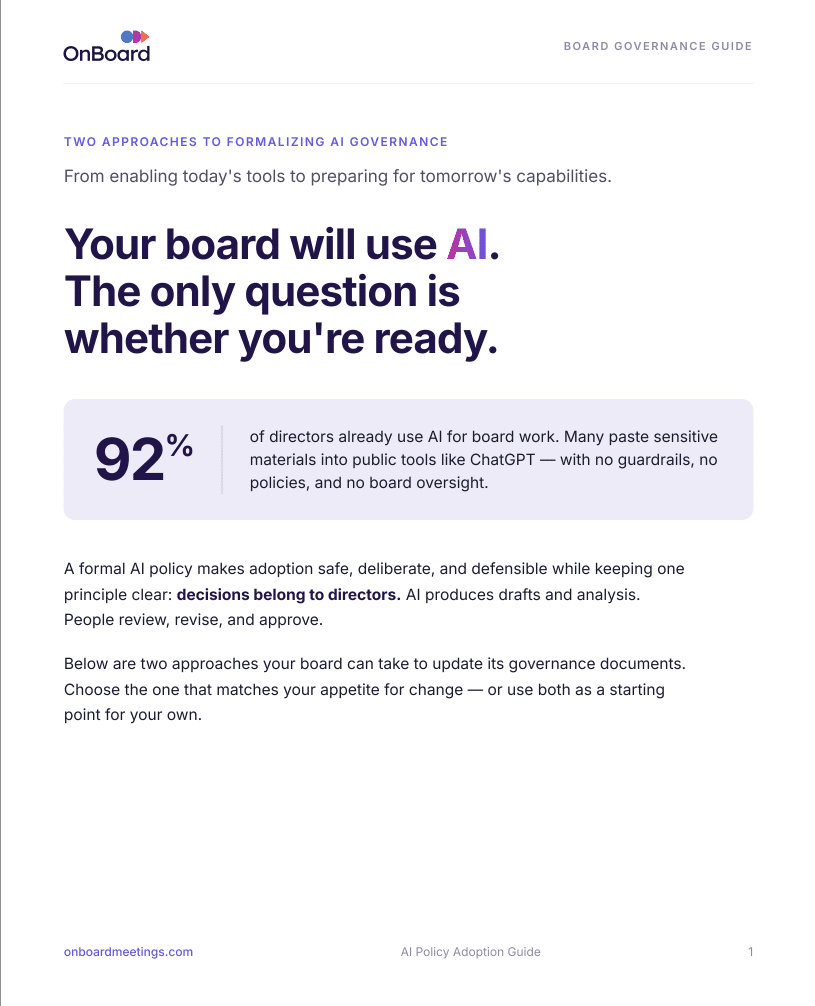
A formal AI policy makes adoption safe, deliberate, and defensible while keeping one principle clear: decisions belong to directors. AI produces drafts and analysis. People review, revise, and approve.