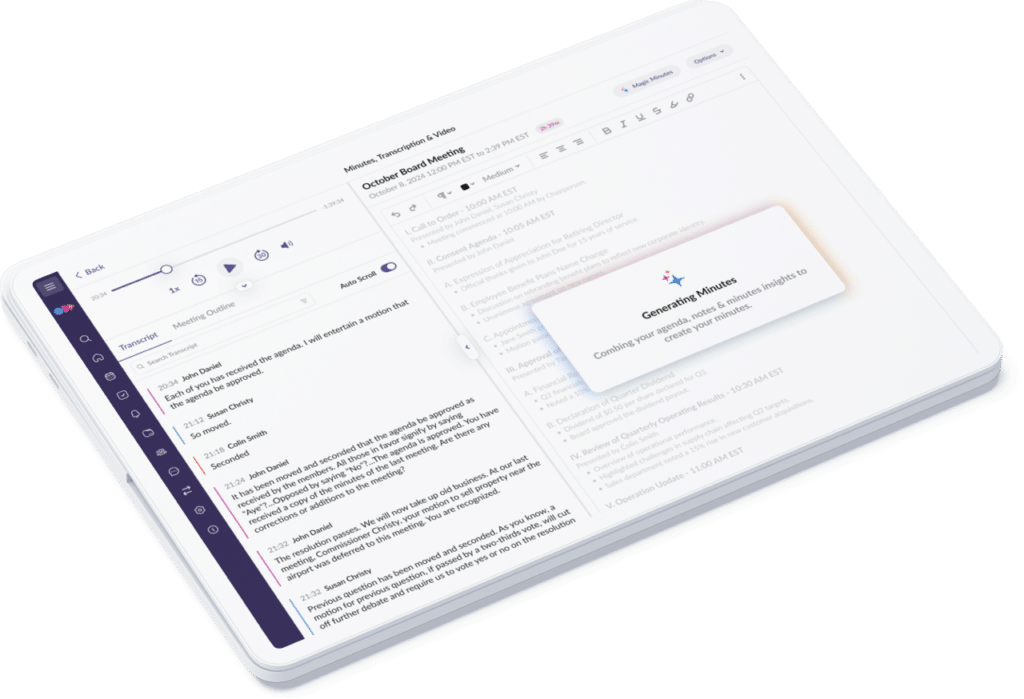
Focus on the room, not the keyboard. As you meet, a transcript and key points take shape. Turn them into an editable minutes draft you control—stored in the same governed workspace as your book and aligned to your retention policies.
Speaker Identification attributes each part of the transcript to the board member who spoke, even when several people in the boardroom share one microphone. Voices it can't match are flagged as Unknown Speaker instead of guessed. Name a voice once, apply it to every line, and fix any line before the minutes are published.
Stay present. Let Minutes AI Take Notes.
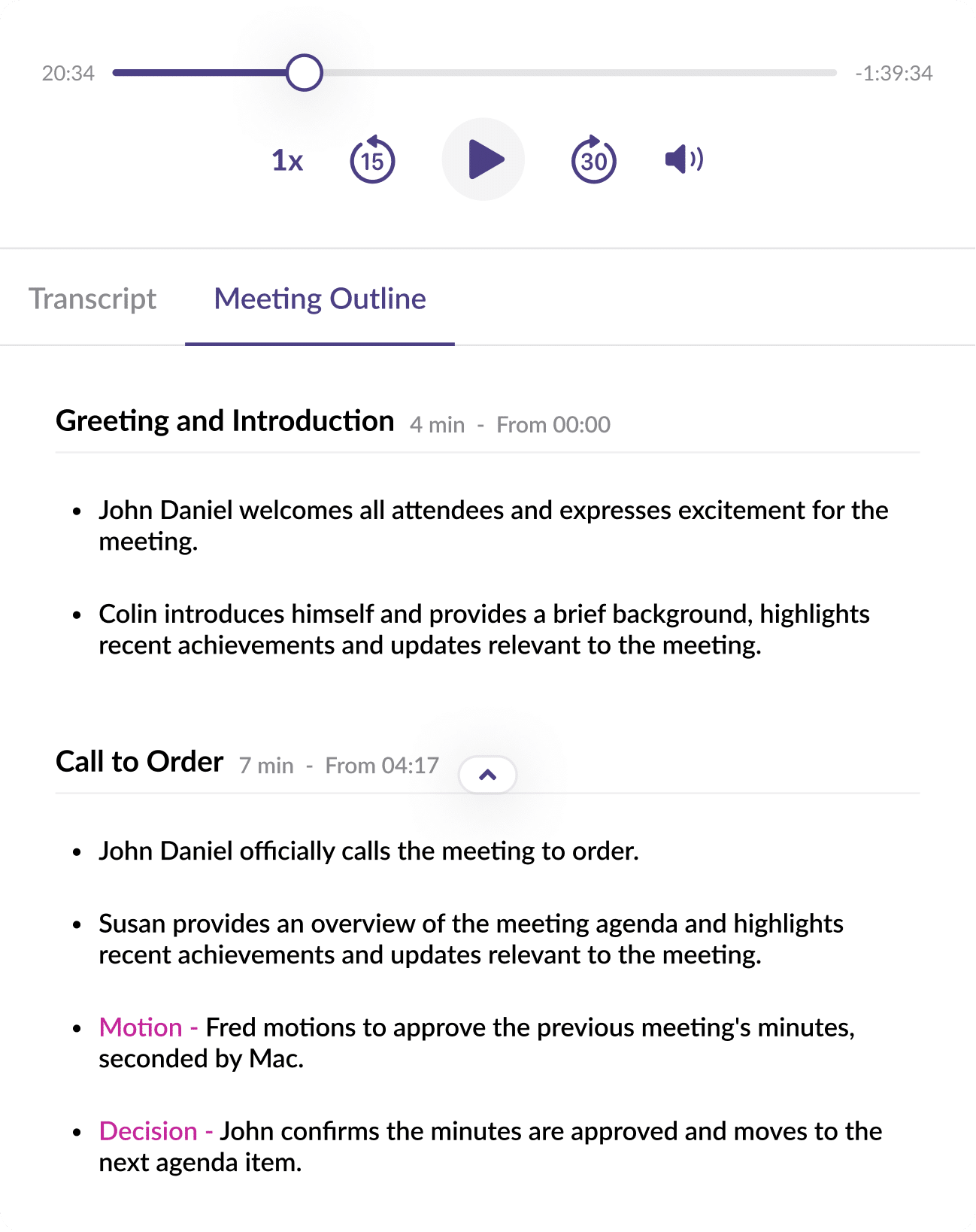
Stay present while Minutes produces a transcript and organizes decisions and actions. Leave with a clear outline you can refine into the official record—without slowing the meeting.
Stay in the Meeting While the Platform Writes the Record
Turn a long discussion into something you can act on. Minutes organizes the transcript into a clear outline and a concise summary that spotlights decisions and action items. Confirm what was resolved, fill any gaps, and move to approval faster—kept inside the same encrypted, permission-aware portal as your book.
The Minutes Write Themselves, You Stay in Control
Choose how much help you want for each meeting. Go transcript-only, add an outline, or generate a first draft—then edit as much as you like. Or turn AI off entirely. Either way, your content stays in one governed workspace, never sent to public chatbots or external training.
Private, Aligned to Roles, Never Used To Train Models
Keep content off public chatbots and out of external training sets with AI built for board work. Show stakeholders evidence — not promises — with ISO 27001/27701 certifications and SOC 2–audited controls. Reduce risk and shorten reviews with third-party audits that validate how data is protected end to end. Provide reports, answer diligence, and move forward faster.
Feel Confident Everything is Captured
With the use of Minutes AI, I don't have anxiety going into a meeting wondering if I'm going to capture everything or miss crucial information. I know it's going to be there.
AI Minutes records and transcribes board meetings, then organizes the discussion into an outline, a summary of decisions and action items, and an editable first draft of the minutes. Everything stays in the same secure OnBoard workspace as your board book.
How does OnBoard AI Minutes identify speakers in hybrid meetings?
Speaker Identification in OnBoard AI Minutes separates the voices in a meeting recording and matches them to the meeting's OnBoard's participants, including people in the boardroom who share one microphone. Voices that can't be matched are labeled for an administrator to name.
Does OnBoard AI Minutes publish minutes automatically?
No. AI Minutes produces a draft for administrator review. Administrators can edit the draft, correct speaker names, and move the minutes to approval when they're ready.
Is OnBoard AI Minutes data used to train AI models?
No. Board and meeting data processed by OnBoard AI is never used to train OnBoard's AI models or any third-party AI models, and it is never sent to public chatbots.
Get Your Governance Policy
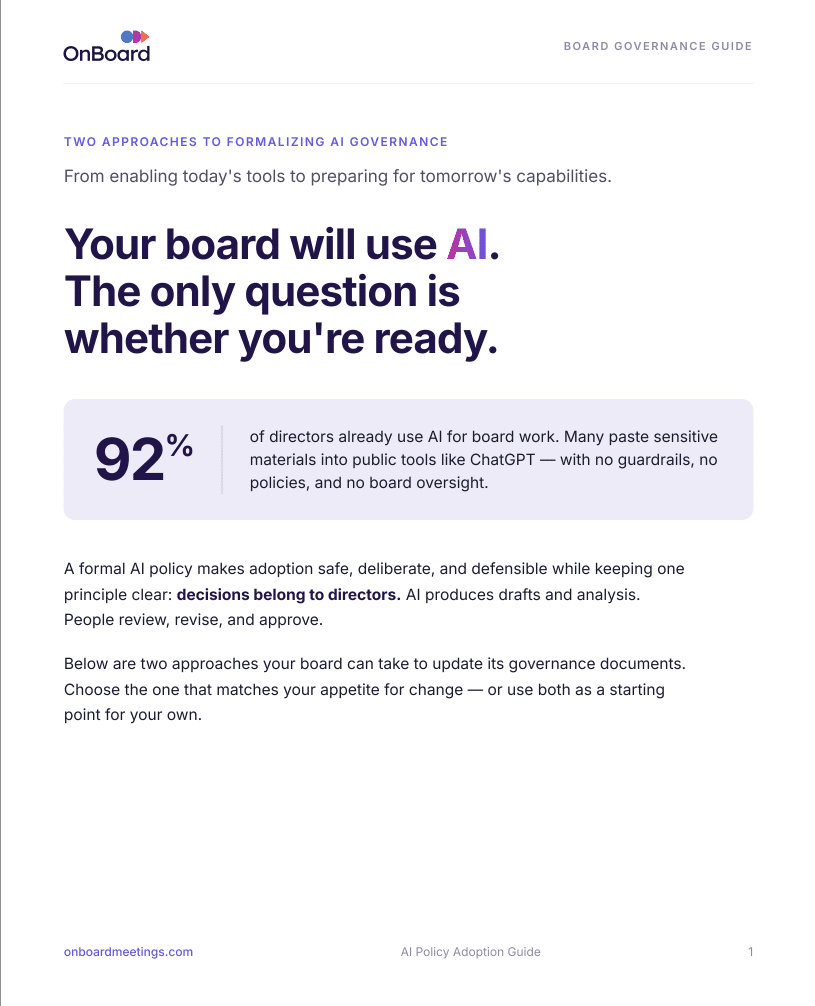
A formal AI policy makes adoption safe, deliberate, and defensible while keeping one principle clear: decisions belong to directors. AI produces drafts and analysis. People review, revise, and approve.