
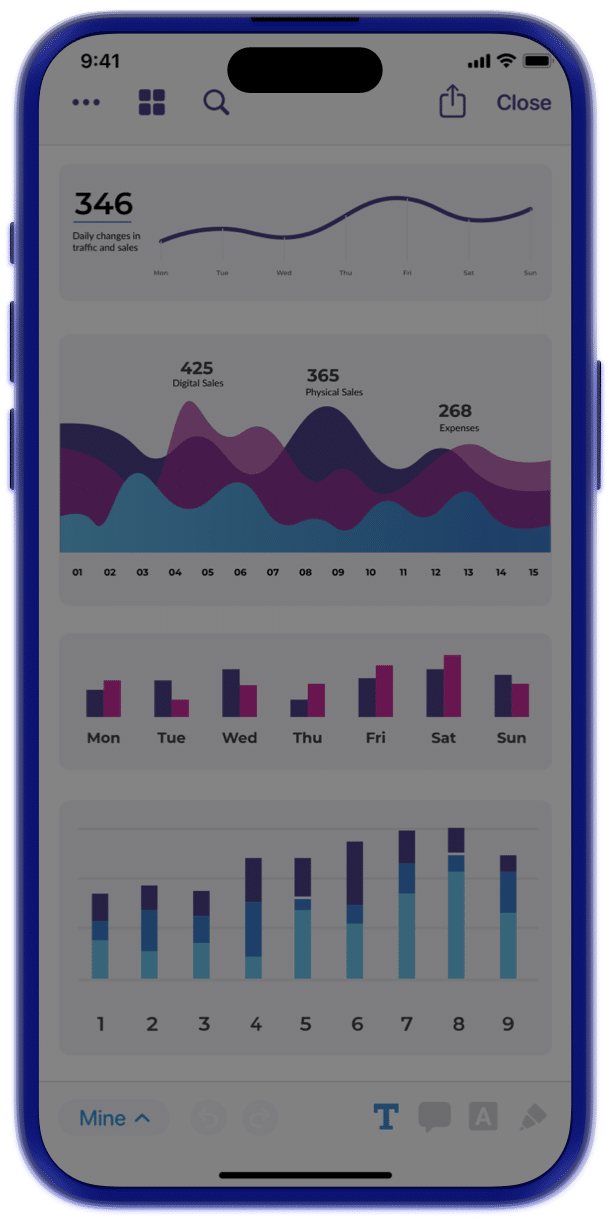

Make prep simple with notes and highlights that follow you across devices. Start on your phone, finish on your iPad, and pick up in the book without losing your place. Share when it helps; keep it private when it doesn’t.

Create and manage private notes, personal reminders, and follow-ups during meetings.

Share insights and annotations with other board members to foster collaborative discussions.

Easily reference annotated documents for in-depth review and strategic planning.

Access and review notes and annotations in context with meeting materials for a cohesive experience.

Stay in flow as you switch devices with real-time sync for highlights and comments. Start on your phone, pick up on your iPad, review on your laptop—the same page, same place, no saving, no emailing files to yourself.
Highlight, comment, and return without hunting. Annotations live in the book, so review stays focused, next steps are obvious, and meetings are laser focused on outcomes.


Control what persists so your records match policy. Keep annotations for future cycles or clear them on a schedule, set org-wide defaults, and respect role-based permissions—so personal notes stay personal and governed books stay clean.
Yes, annotations are stored in OnBoard and sync across devices. Notes and markups made in a web browser are accessible when you open the same meeting on mobile, and vice versa.
Yes, users can share individual annotations or multiple annotations at once. Recipients are notified by email or push notification. Annotations that are not shared remain visible only to the user who created them.
Yes, you can edit or delete annotations at any time, including after sharing. Changes apply only to your copy. Only the original creator can modify or remove an annotation.
OnBoard’s annotation toolkit includes highlights, underlines, squiggly lines, free hand drawing, free hand highlights, and free text (typed notes placed anywhere on the page0, and notes (stick-note style comments). All annotation tools are available in the web browser. A separate mobile annotation experience is available on the OnBoard mobile apps.
Start your journey and unlock unparalleled security, insights, and efficiency with OnBoard.