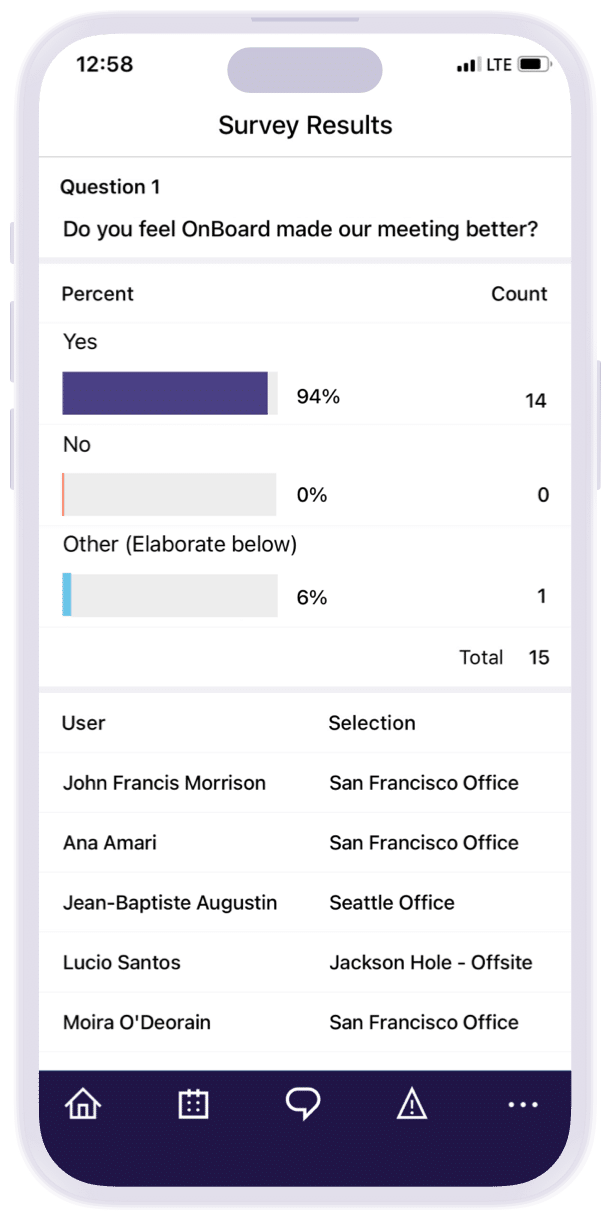
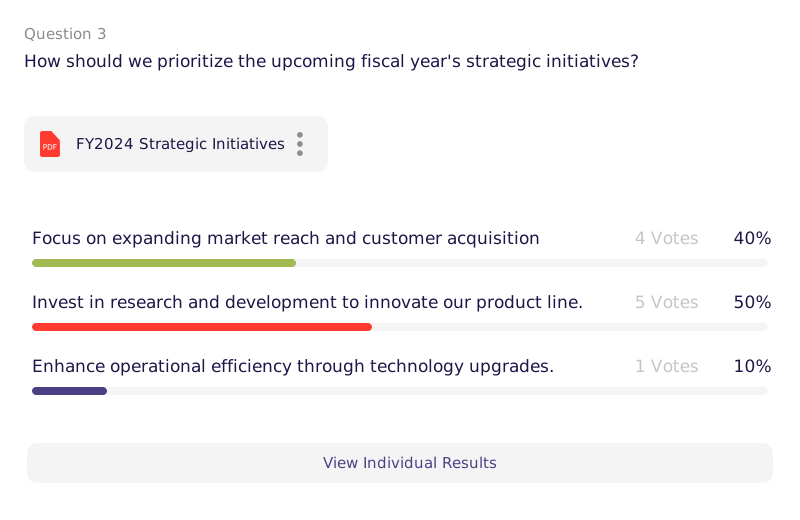
Run surveys where board work already lives to keep focus high and friction low. Create quickly, collect securely, and publish results to the record so insights turn into next-meeting action.
Create, collect, and publish results in the same portal so insights turn into next-meeting action.
Build in Minutes, Get Signal
Use multiple choice, checkboxes, and long answer with templates and context; directors respond on any device.
Share Safely by Role
Limit visibility by committee or role, allow anonymous responses when needed, and keep data off email.
Track Trends Over Time
Compare results across cycles and tie surveys to meetings and minutes so leaders see the story behind the numbers.
Build Fast, Ask Smart
Collect input sooner to move decisions forward. Spin up a survey in minutes with multiple choice questions, checkboxes, and long answer. Attach context, reuse templates, and send to saved lists—directors answer on any device.
Control What’s Seen, and By Whom
Share results safely inside the record. Limit visibility by role or committee, collect anonymously when needed, and keep data off inboxes.
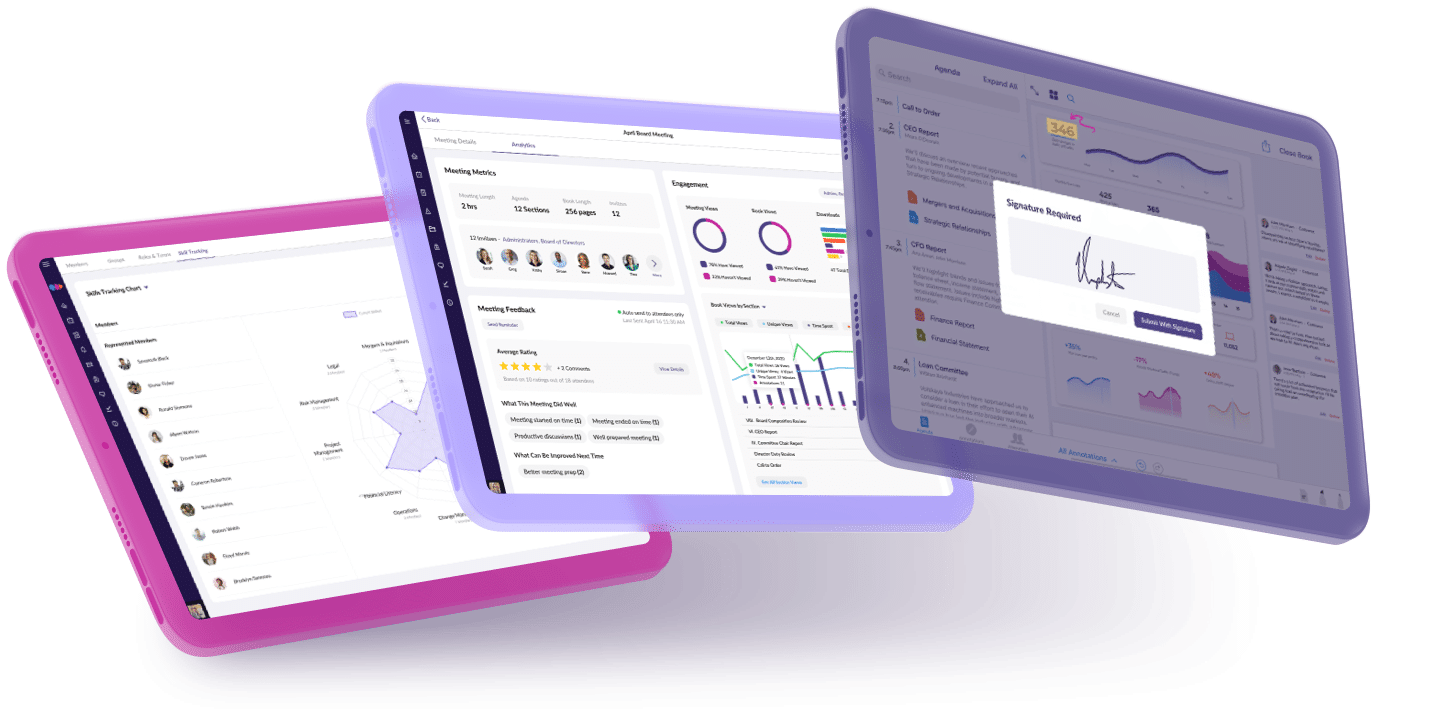
Compare results over time to spot shifts. Tie surveys to meetings and minutes, then brief new leaders with the story behind the numbers.
Frequently Asked Questions
How do you create a survey in OnBoard?
Navigate to Actions section and select Surveys. Build from scratch by adding a title, optional open/close dates, supporting documents, and questions. Add individual respondents by individual or group.
Can survey results be tied to a specific agenda item in OnBoard?
Yes, survey results can be connected to an agenda item. Once linked, a “View Survey” option appears in the agenda for participants with the appropriate permissions, allowing them to complete it during or after the meeting.
Who can view survey responses in OnBoard?
Administrators always have access to results. Visibility for respondents is configurable per question — administrators can choose to share results with respondents or keep them admin-only.
Can you reuse surveys in OnBoard?
Yes, existing surveys can be duplicated, making it easy to run recurring assessments, such as annual board evaluations, without rebuilding from scratch each time.
Join 30k+ Boards Around the Globe
Experience Better Board Management
Start your journey and unlock unparalleled security, insights, and efficiency with OnBoard.