
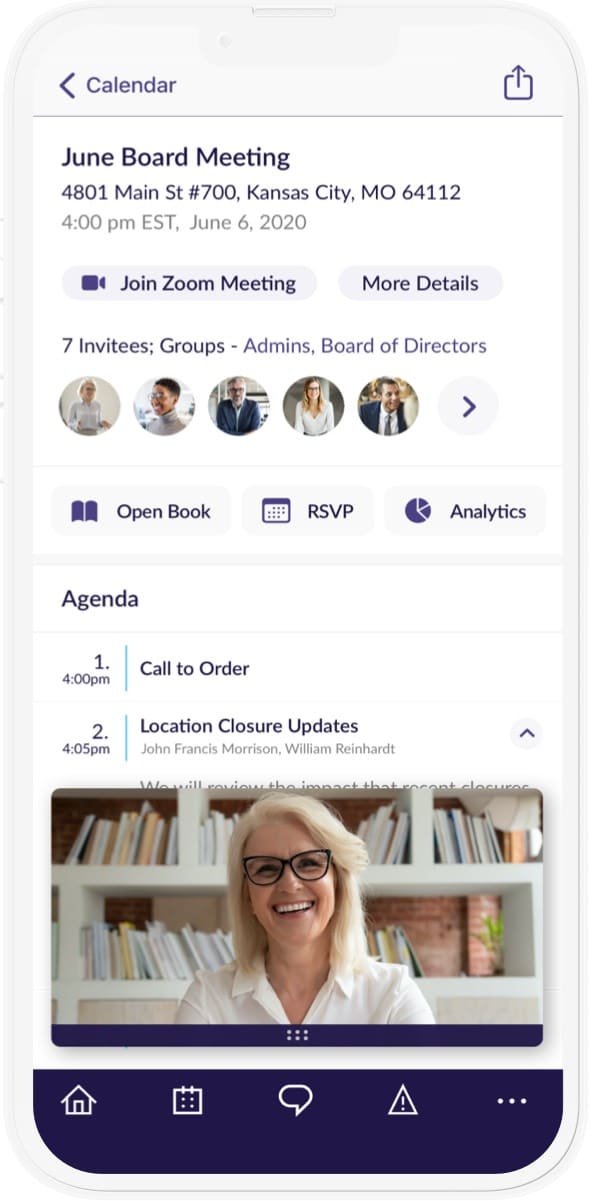

Tap Join from the agenda they’re in the meeting — no hunting links, no juggling windows. Zoom or Teams launches while the book stays put. Schedule once, publish to the book, and keep details contained.

Initiate virtual meetings from OnBoard with seamless MS Teams or Zoom integration.

Tap Join in OnBoard to launch Zoom or Teams without hunting links or juggling windows.

Links and passwords stay in the portal with access limited by role, not forwarded invites.

Directors stay in the book while Zoom or Teams opens, so prep and context never leave.
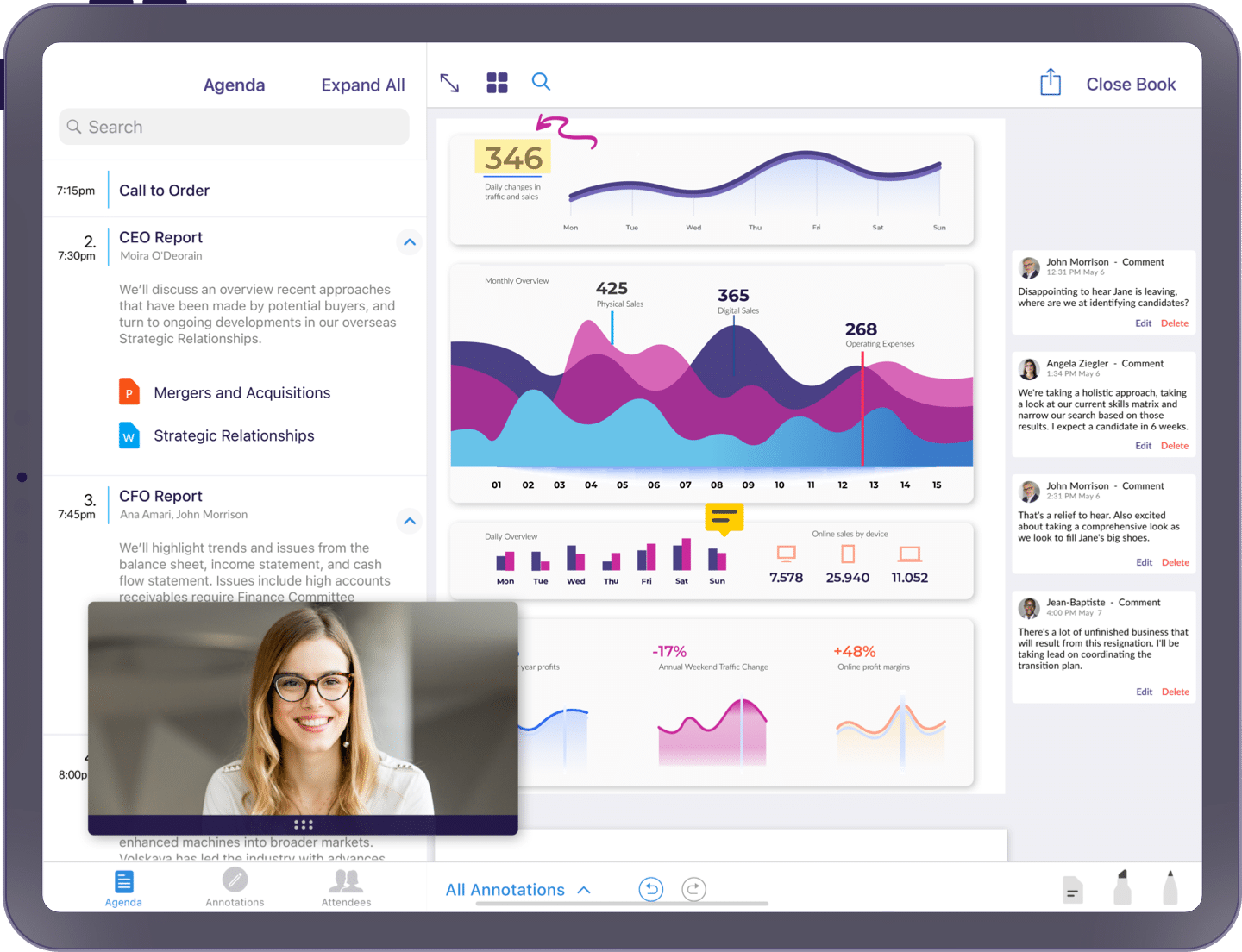
Create Zoom or Teams meetings inside the platform to cut steps. The link, time, and dial-in land on the agenda automatically so everyone joins from the same source of truth.
Transition between different work environments with one-click access to virtual meetings.

Reduce risk by keeping meeting links and passwords inside the platform. Show details only to the right roles and skip the forwarded invites.
OnBoard allows administrators to schedule virtual meetings using Zoom or Microsoft Teams directly within the platform. Meeting links and times automatically populate in the agenda so directors have everything in one place.
No, directors do not need a Zoom or Teams account to attend a meeting — they can join directly from the OnBoard platform without a separate login. A Zoom or Teams account is only required for administrators who create and link meetings within OnBoard.
Yes, directors can join Zoom or Teams meetings directly from the OnBoard iOS and Android apps.
Meeting details, including the video link and agenda, are published directly within the OnBoard board book.
Start your journey and unlock unparalleled security, insights, and efficiency with OnBoard.